

Table of Contents
Table of Contents
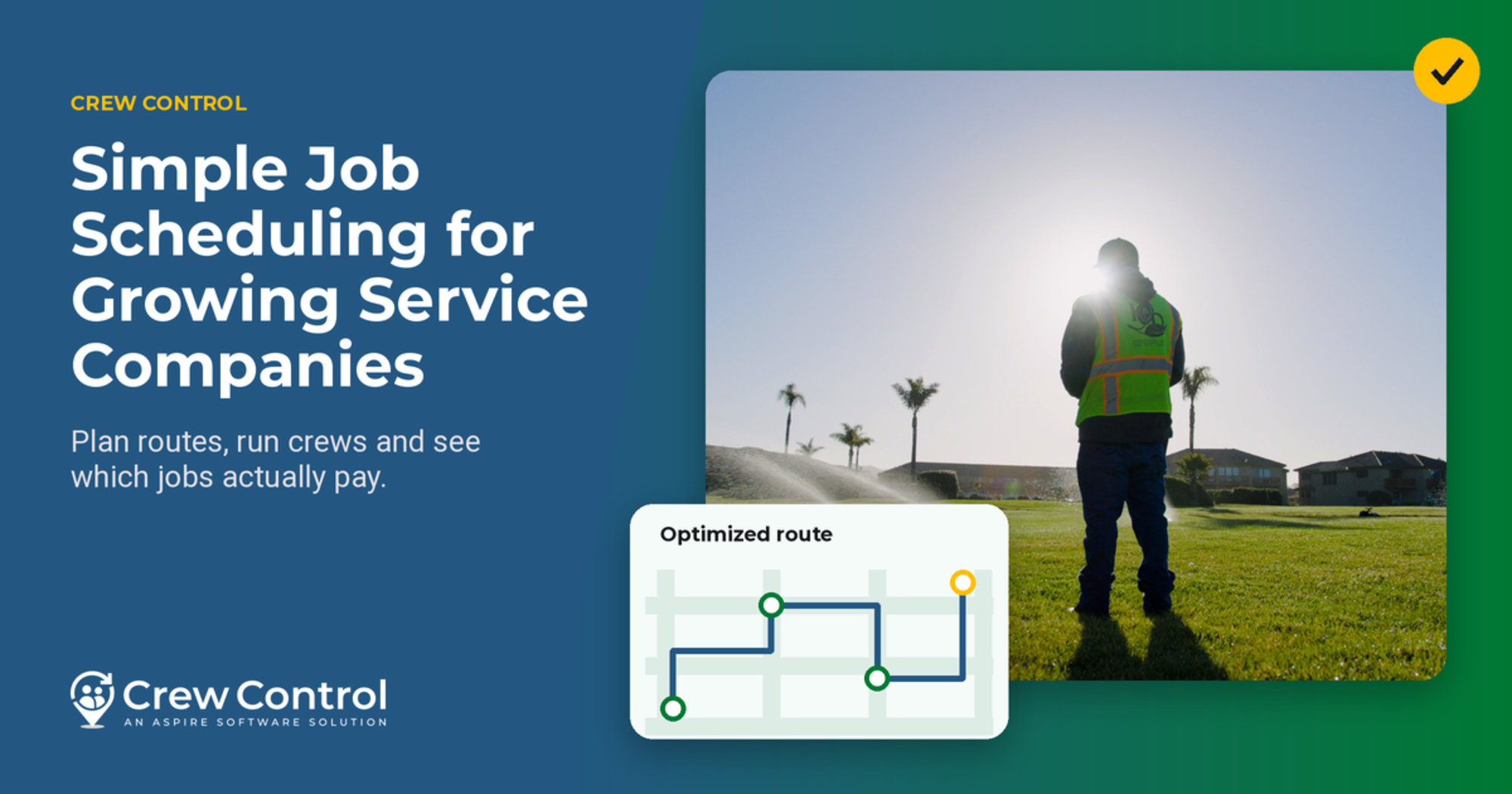
Crew Control gives smaller lawn care and landscaping companies a real solution for some of their most frustrating pain points, like better scheduling, more efficient operations, and greater financial insight.
With Crew Control, small companies with 10 crews or fewer can be up and running in minutes, without overhauling their entire operating systems or changing how they run their businesses.
From rescheduling jobs due to rain delays and optimizing travel routes to save money on fuel costs, to crews easily clocking in and out on a mobile device or following a digital checklist on every job, Crew Control simplifies the entire job scheduling process for small businesses via technology, but at an affordable price.
Built for small service businesses that may be just starting out or earning less than $3 million per year, Crew Control offers simple, easy-to-use software for contractors in the trades. It’s affordable, easy to use, and helps small businesses understand whether they're making or losing money.
In addition to scheduling, route optimization, and crew tracking, Crew Control’s software also makes billing and invoicing, estimates, and proposals easy to manage. Crew Control gives you the basic data you need to figure out whether you're making or losing money.
Rain delays wreak havoc on lawn maintenance schedules
Crew Control began during a conversation between software developer David Vroblesky and his uncle, Rick, who operates a lawn maintenance, landscape, and tree removal business in Maryland. One day, Vroblesky asked his uncle, “What keeps you up at night?”
“The weather,” his uncle replied, and that’s when the lightbulbs flashed bright.
Lawn maintenance is high-volume, low-margin work, which means his uncle’s company did a lot of jobs per day but didn’t make much money per job. The company also maxed out its schedule each day during busy seasons, and weather delays forced his uncle to juggle things around for the rest of the week.
His scheduling process involved a Manila folder for each day of the month and an index card for each customer. Obviously, the very manual process caused complications when bad weather occurred.
With a possible software solution in mind, the developers started building Crew Control.
Crew Control begins with scheduling, then expands with more features
Crew Control started as a simple SaaS (software-as-a-service) application, letting users enter job locations and click a button for basic route optimization.
The first iteration of Crew Control gave companies a really easy way to enter their schedules. Then, with a click of a button, Crew Control optimized the day's routes for the most efficient driving and made it easy to adjust the schedule.
Once the software optimized the best route, managers could print a schedule for the crew, and the crew tracked their time by writing it on the schedule. Problems arose, however, when crews fudged the numbers or simply forgot to write down when they arrived and when they left a job.
Safeguard profit margins with accurate job data
That data matters because how long you spend on a job is a big factor in how much money you spend and what your costs are for that job. And a lot of these companies don't know whether they're making or losing money on the job, because they don't know how much time they're spending.
Crew Control gives crews a simple way to clock in and out on a mobile phone, with digital route sheets sent by text for that day’s schedule.
The daily text message links to that day's route sheet. Crews can clock in and out with a big green button that says Start and a big red button that says Stop, with information listed in Spanish and English.
Crew Control offers easy scheduling, route optimization, and a digital route sheet on crews' phones.
Visibility brings insight and greater control
Crews can follow digital checklists on the job, including sending videos and photos from their phone to office admins right from the job site. The reporting features help contractors gain greater insight into job costing, while communication tools make it easy to contact customers by text or email.
Crew Control is a simple, affordable software solution that delivers the power of technology to small businesses without the bandwidth or budget for an intensive tech stack like Aspire. By meeting contractors where they are, users can build schedules and have them ready to go within the first day of signing up for a free trial.
You don't need to change your business. You can run your operation the same way you do today, with additional tools to improve operations and widen profit margins.
Crew Control plans and pricing
Crew Control is priced per crew, per month, and annual plans save 30%. You can schedule and dispatch your first jobs in a few clicks and be up and running in 60 seconds or less.
Plan | Price | What's included |
Crew Control | $39 per crew, per month | Scheduling, route optimization, time entry and tracking, invoicing, electronic payments, reporting, QuickBooks Online integration |
Crew Control Plus | $59 per crew, per month | Everything in Crew Control, plus customer request forms, electronic proposals, on-site estimates, and customer text notifications |
Small businesses that grew with Crew Control
Users mention Crew Control's ease of use again and again. Purgreen Group's office manager says employees were trained in under five minutes, with no equipment to buy.
Le Perv Landscape. Clarke Ramsey has owned the San Diego company since 1990. Before Crew Control, his team printed job photos, wrote notes on them, and scanned them back into the computer. The flexible scheduling board changed that, and the business grew with it. "We started around $250,000, and now we're doing over $3 million," Ramsey says. He calls Crew Control a springboard, and the company moved up to Aspire when revenue was around $2 million. Read the Le Perv Landscape story.
CTX Mowing. BJ Christlieb of Texas spent about 30 minutes each morning texting customers and over an hour invoicing. After he started with Crew Control in May 2022, customer reminders took one click and invoices took less than 10 minutes. Read the CTX Mowing story.
Latitude 41 Lawn and Landscape. The Iowa company reports that, with Crew Control, its sales close rate rose from 10-15% to 30%, while revenue grew from $1.3 million in 2021 to a projected $2.2 million in 2023. Read the Latitude 41 story.
Results are illustrative of certain customers' success; your individual results may vary.
The difference between Crew Control and Aspire
Crew Control is a lightweight business management system, but it's not a scaled-down Aspire. Each is built for a different stage of business.
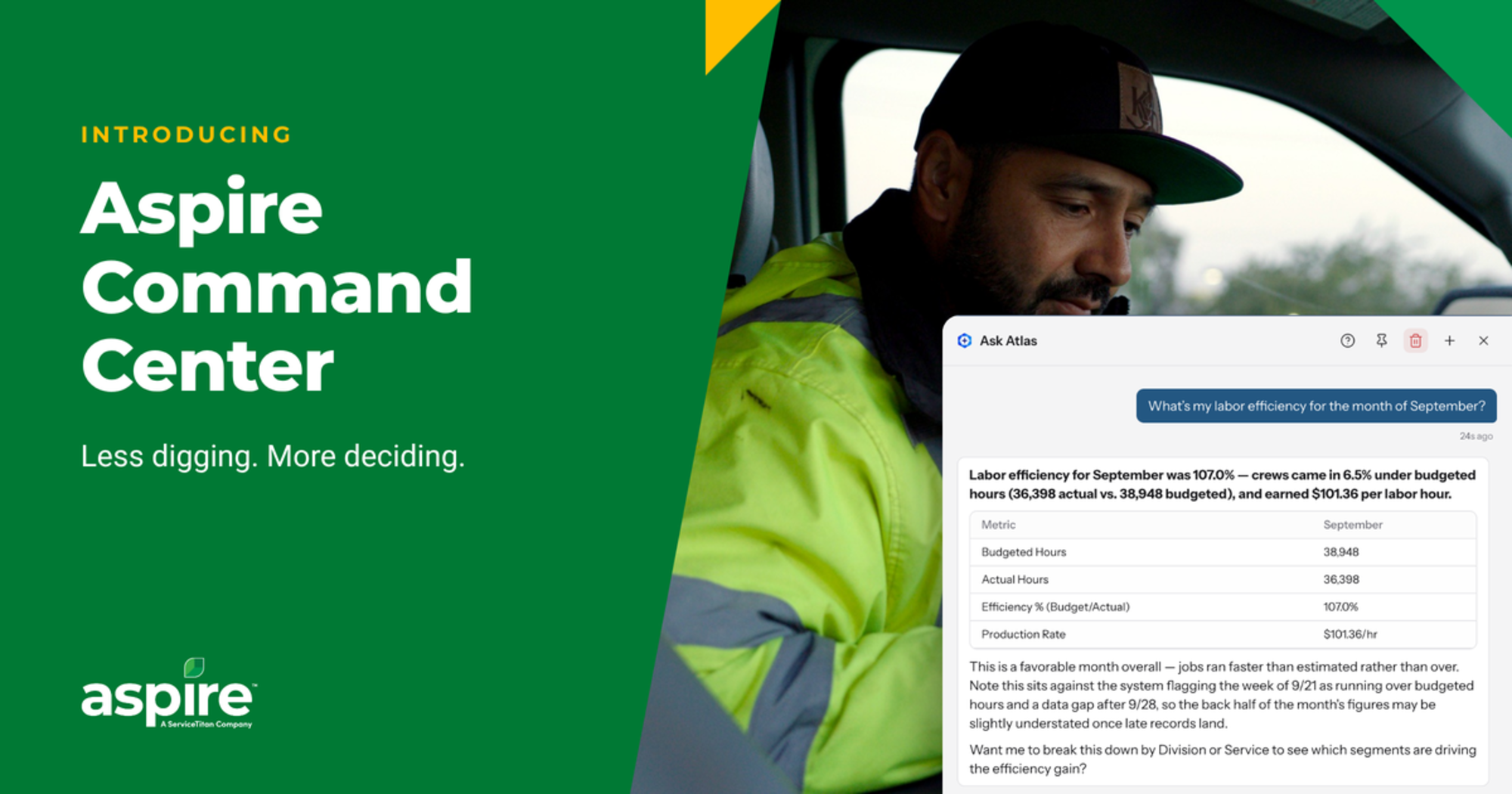
Aspire is a cloud-based platform that manages your entire business while collecting, organizing, and querying organizational data. Aspire fits businesses running multiple crews across multiple service lines, with a dedicated office team handling scheduling, accounting, and purchasing. It adds real-time job costing, full purchasing workflows, and advanced reporting.
Crew Control won't tell you how much to charge for jobs, but it will help you know how much money you're making per job. It helps you stay organized, better communicate with your crews, track your hours, and get paid faster through billing.
Aspire also requires implementation with consultants, whereas Crew Control is fairly self-service.
If you're somewhere between $3 million and $5 million, your operational complexity matters more than your revenue. Our guide, Aspire vs. Crew Control: Which One Fits Your Company Size, walks through the signals. When you do outgrow Crew Control, there's a clear path to Aspire, and the Aspire team can help guide the move.
Ready to give Crew Control a try? Sign up for a free 14-day trial.









 866-727-7473
 Schedule Demo
 390 S Woods Mill Rd #300 Chesterfield, MO 63017


