Table of Contents
Table of Contents
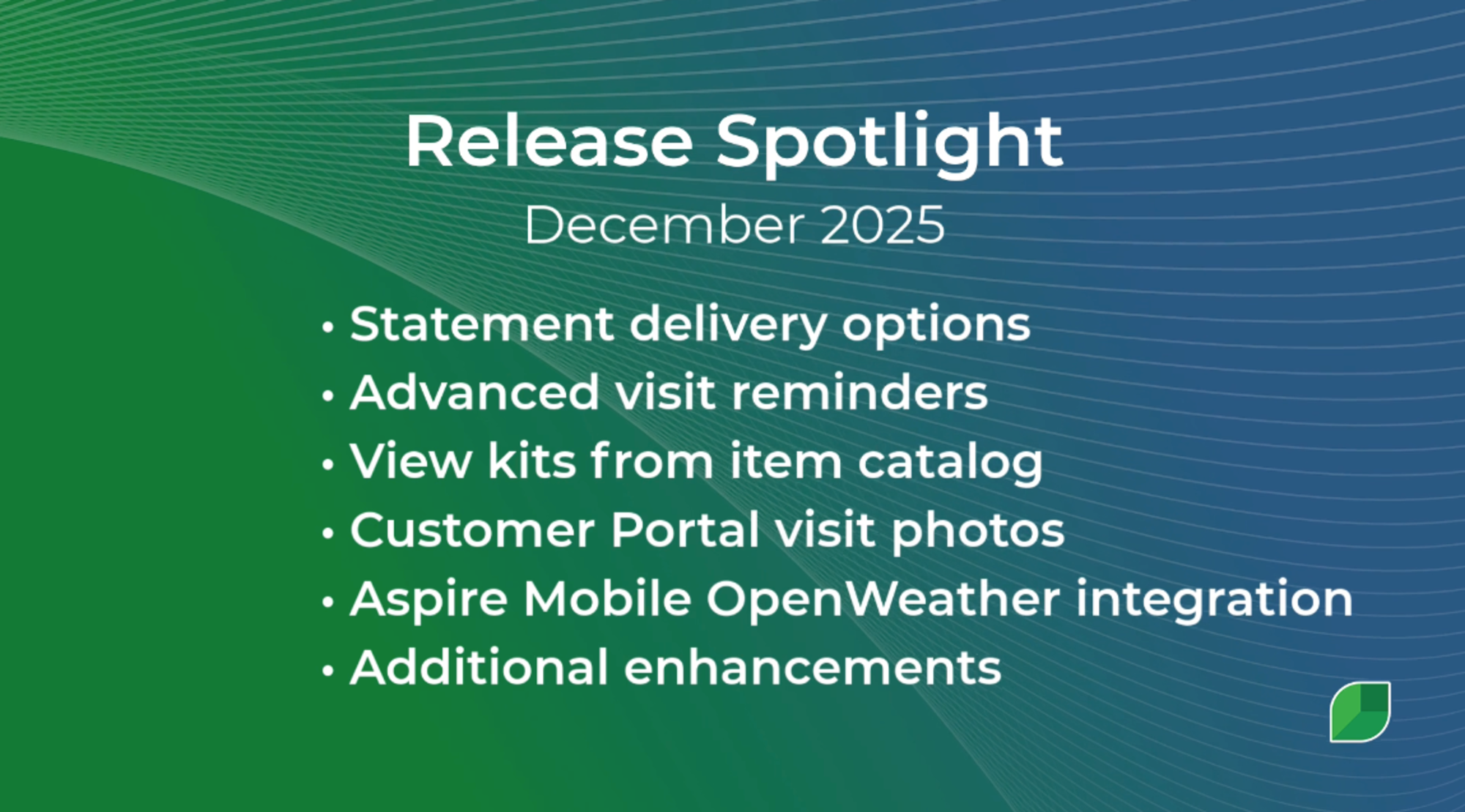
- Introducing White Pine: Features Built Entirely by You!
- What’s New & Why It Matters
- New Combined Statement Layout [Early Access]
- Advanced Visit Reminders
- Client Visibility with Visit Note Images
- Smarter Proposal and Invoice Publishing
- Optional Date Clearing When Copying Opportunities
- Improved Estimating Screen Clarity
- Item Catalog Advanced Search Panel
- End-of-Month Checklist Enhancements
- Automated Weather Data in Mobile Workflows
- Marketing Pro SMS is Now Available
- New Combined Statement Layout
- Advanced Visit Reminders
- Client Visibility with Visit Note Images
- Smarter Proposal and Invoice Publishing
- Optional Date Clearing When Copying Opportunities
- Improved Estimating Screen Clarity
- Item Catalog Advanced Search Panel
- End-of-Month Checklist Enhancements
- Automated Weather Data in Mobile Workflows
- Marketing Pro SMS is Now Available
Introducing White Pine: Features Built Entirely by You!
At Aspire, we believe the best product enhancements come directly from the people who use the software every day. That’s why we’re thrilled to announce the launch of our latest update, Release 6.27, "White Pine," featuring a host of new tools and improvements driven entirely by customer feedback.
This release is packed with new features specifically designed to help your teams work smarter, elevate client communication, and streamline your entire operation.
What’s New & Why It Matters
New Combined Statement Layout [Early Access]
Simplify your billing process! You can now generate a new combined statement layout that packages statements and all unpaid invoices into one easy-to-send PDF. This can include up to 50 referenced invoices, making it much simpler for your clients.
Advanced Visit Reminders
Ensure your clients are always informed. Your teams can now send service visit reminders via SMS and email up to 31 days in advance, reducing missed appointments and improving scheduling efficiency.
Client Visibility with Visit Note Images
Give your clients greater insight into the work you do. You can now include visit note images in the Customer Portal, providing better visibility into their service history and upcoming work.
Smarter Proposal and Invoice Publishing
When you update proposal or invoice layouts, the "Publish to Portal" option will no longer be automatically selected by default. This prevents accidental publishing and gives you more control over what your clients see.
Optional Date Clearing When Copying Opportunities
We’ve made copying Opportunities even faster! You now have the choice to automatically clear the start and end dates when copying an Opportunity, streamlining the process and ensuring you don't carry over incorrect scheduling details.
Improved Estimating Screen Clarity
The service selection dropdown on the Estimating screen has been updated to say ‘Add a service’ instead of ‘Select one’ for better clarity and intuitive use.
Item Catalog Advanced Search Panel
Improve visibility and efficiency when searching for items. The Item Catalog Advanced Search now features a side panel for items belonging to a kit. This panel displays the names of the kits the item is referenced in and provides a direct hyperlink to drill down into the specific kit.
End-of-Month Checklist Enhancements
For better usability when closing the month, we've made enhancements, including the ability for you to delete an end-of-month checklist and more!
Automated Weather Data in Mobile Workflows
Crews can now complete mobile forms more efficiently! Weather data is automatically pulled into the clock in/out and ticket workflows, saving time and ensuring accurate documentation. To utilize this new functionality, please ensure your teams have the latest version of Aspire Mobile, 1.36.
Marketing Pro SMS is Now Available
Expand your marketing reach beyond email and direct mail. Marketing Pro customers can now send targeted SMS campaigns directly to clients, helping you improve response rates, drive revenue, and connect with your clients instantly.
There’s a lot more in this release than we could fit into one blog post! Check out the official release notes and highlight video to see every new feature and enhancement now available for your team to use.










 866-727-7473
 Schedule Demo
 390 S Woods Mill Rd #300 Chesterfield, MO 63017


